
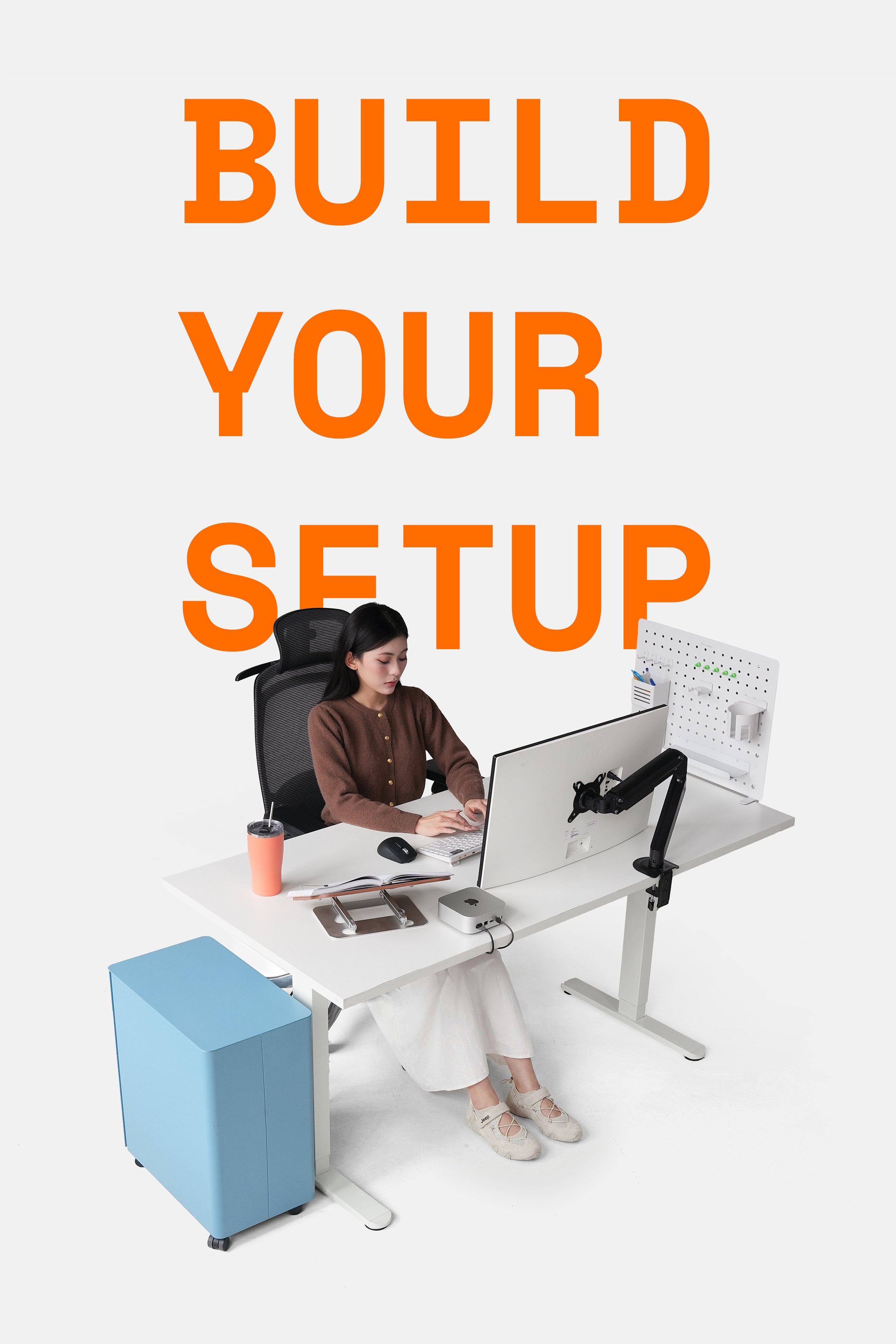
Adding a second monitor to your setup allows you to run multiple software programs or web applications simultaneously, avoiding interruptions, enhancing the user experience, and boosting multitasking and productivity.
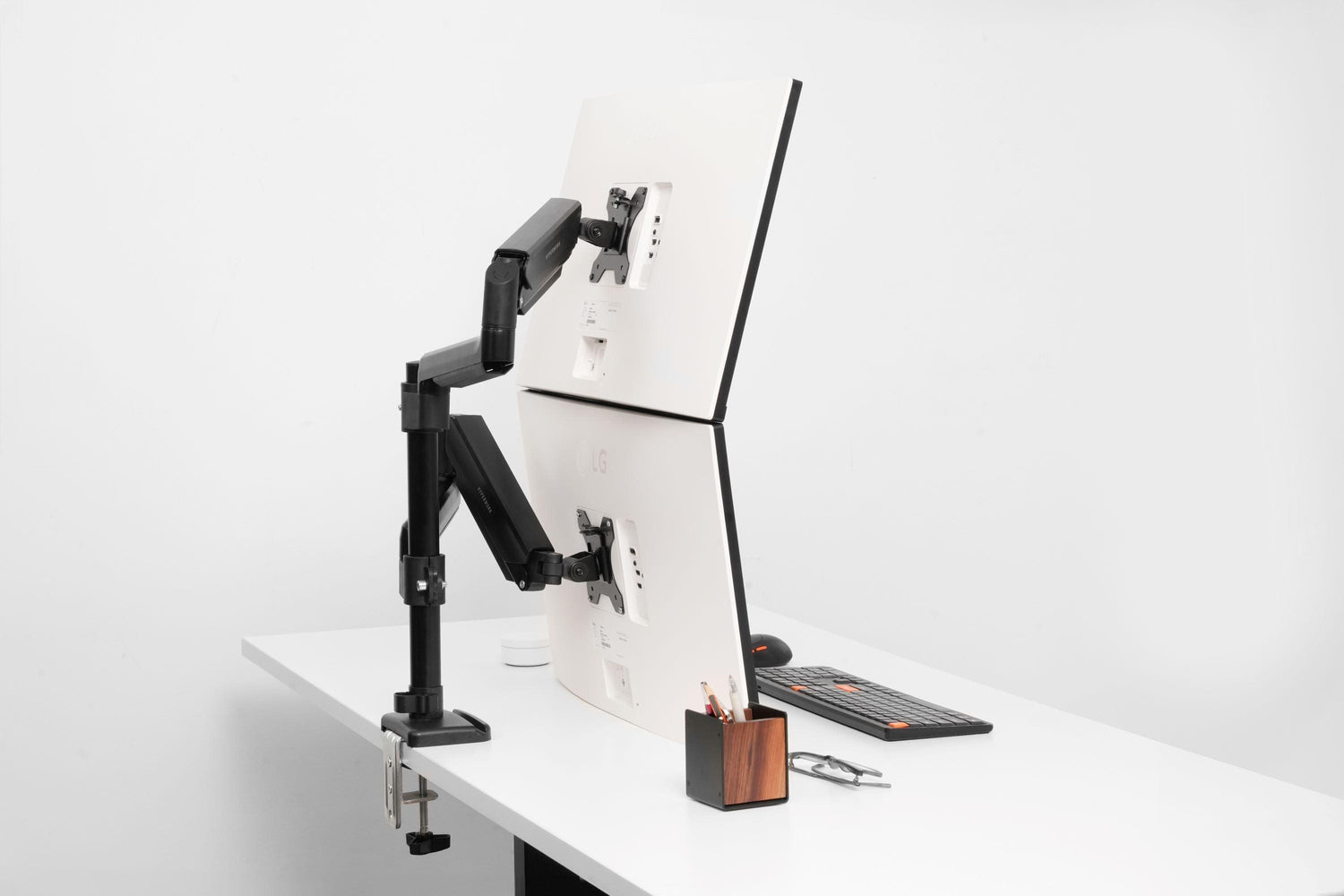
Among various setups, a vertical, stacked dual monitor configuration is a highly effective solution, especially for coders, gamers, architects, graphic designers, and similar professionals. This top-and-bottom monitor arrangement supports ergonomic use, promotes better sitting posture, optimizes space, and increases productivity.

Improved Posture
When using two vertically stacked monitors, you don't need to move your head and neck from side to side as you would with a horizontal dual monitor setup. Users also avoid excessive head tilting to view the screen, which can lead to neck stiffness.
Adjusting the height of the top monitor to eye level helps maintain a balanced head and neck posture, reducing neck strain during long periods of use.

What about your eyes, a crucial part when working directly with a computer screen? A stacked monitor setup can reduce horizontal eye movement (which is often uncomfortable for the eyes).
Additionally, you can adjust the distance and angle between the two stacked monitors and your eyes as follows: keep the monitors one arm's length away and tilted back 10-20 degrees to help reduce eye strain.
A Neater, More Modern Setup
It's easy to see that stacking monitors saves and frees up a significant amount of desk space. This is considered an ideal setup for small desks or workspaces where desks are placed close together. Users also feel more comfortable having a dual monitor setup while maintaining a tidy space.

A top-and-bottom dual monitor setup also creates a strong visual impression because it's a challenging setup: from adjusting the monitor arm, choosing appropriately sized monitors, to cable management and alignment for vertical symmetry. As a result, the setup will look much more modern and sophisticated if you go all out with a stacked dual monitor configuration.
Typically, to arrange monitors top-and-bottom, users can consider two single monitor arms, with the bottom arm lowered as much as possible and the top arm raised to its maximum. Alternatively, a more convenient and cost-effective solution would be a pole-mounted arm with two adjustable arms for flexible height customization.

Significantly Increased Productivity
For tasks requiring focus, you can directly monitor and work on two screens without interruption or repeated actions. Architects, graphic designers, and technical drafters can enjoy a wider canvas, inspiring creativity.

Vertical monitors also support users in research activities, allowing for more seamless reading of documents, comparisons, and cross-referencing, instead of constantly scrolling.
By maximizing focus and eliminating objective causes of discomfort, you can easily increase productivity and work efficiency.




Leave a comment
This site is protected by hCaptcha and the hCaptcha Privacy Policy and Terms of Service apply.